

Why Wyvern Chat can take longer to set up
Wyvern Chat feels like a workshop with plenty of useful tools, but you may need to identify which drawer holds what before the conversation begins. The extra work makes sense once you separate three parts of the setup:
- The character defines the role, personality, and starting situation.
- The model generates the replies.
- The provider key authorizes access to the external account or API that runs the selected model.
That separation gives experienced users more control over model choice and context settings. It can also turn a simple urge to chat with a character into an evening of copying keys, checking connections, and adjusting parameters.
This is not automatically a flaw. Some people enjoy tuning the machinery almost as much as the conversation. If you mainly want to choose a character and send a message, an all-in-one alternative will feel more comfortable.
What is Wyvern Chat for?
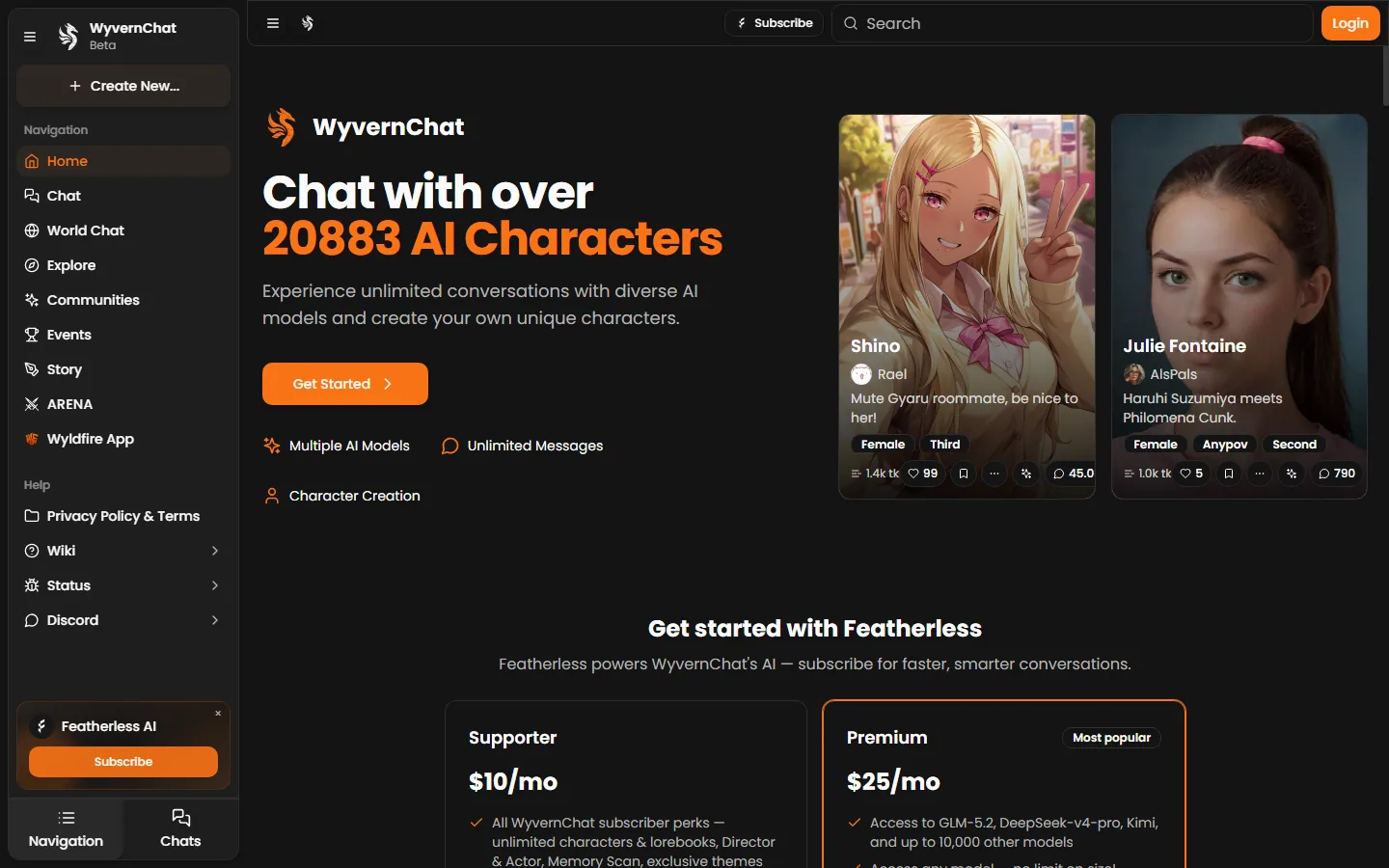
Wyvern Chat is an interface for conversations with AI characters. Its focus is character behavior, dialogue, and scene development rather than the productivity tasks associated with general AI assistants.
It is most appealing when you want control over how the conversation runs. Connecting an external provider lets you choose the underlying model and adjust how much previous conversation it considers. Those options can matter during long roleplay scenes, where inconsistent characterization or a forgotten premise quickly becomes irritating.
The tradeoff is straightforward: more control means more decisions before the first useful response.
Do not treat the word “free” as a promise of unlimited use. When an external provider powers the model, that provider can apply its own account requirements, usage rules, and charges. The practical cost is determined by the complete route from Wyvern Chat to the model, not by the chat interface alone.
Companion picks
Pick a character to start with
Try a few different characters before you decide who feels right.
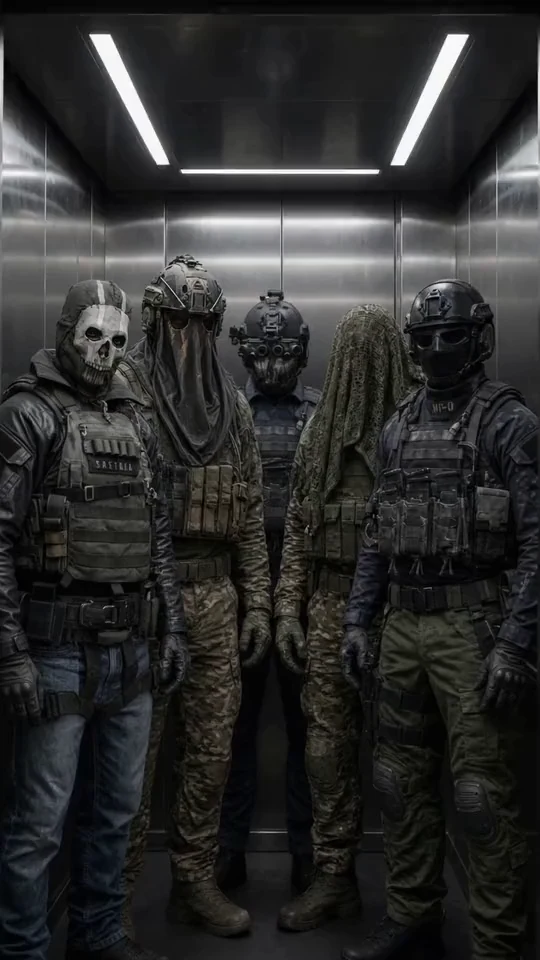
Military Team
Five Call of Duty operatives
Best for a group chat with Ghost, König, Keegan, Krueger and Nobody: military discipline, dry humor and five voices at once.

Ethan
Warm, playful boyfriend
Best when she wants a warm first message, soft comfort, and an easy chemistry check.

Satoru Gojo
The strongest sorcerer
Best for a playful, cocky first chat where the teasing hides a protective streak.

Cain
Centuries-old vampire
Best for a dark, slow-burn first chat with a cold, commanding man who guards the ones he lets close.
How to use Wyvern Chat with Infermatic AI
A documented setup route connects Wyvern Chat to Infermatic AI. This is a guide to that particular integration, not a claim that every possible Wyvern Chat configuration requires the same provider.
1. Create an Infermatic AI access key
Start with an account at the model provider. Generate an access key there, then copy it carefully. The key is a secret credential that allows Wyvern Chat to send requests through your provider account.
Treat it like a password. Do not paste it into a chat message, character description, public card, or roleplay prompt. Add it only to the connection field intended for provider credentials.
2. Connect Infermatic AI to Wyvern Chat
Open the connection settings in Wyvern Chat, select Infermatic AI, and enter the access key. The official Infermatic AI guide to Wyvern Chat covers the integration sequence.
If the connection returns an authorization error, check the key before rewriting the character. Make sure you copied the complete value and that it belongs to the provider account you intend to use. A broken provider connection cannot be repaired by changing the character prompt.
3. Select a model and set the context
The model affects the style and quality of the replies. One model may produce brief, conversational messages, while another may handle detailed scenes more convincingly. The context setting controls how much earlier conversation the model can consider when writing its next response.
Resist the urge to change every setting immediately. Pick one model, keep the other controls close to their defaults, and send a few messages. If you alter the model, context, sampling controls, and character card at once, you will have no idea which change helped.
Test the character first. Adjust one parameter only when you can describe the problem you want it to solve.
4. Write a concrete opening message
A useful first message gives the character a place, an action, and a reason to respond:
We stayed in the empty café after closing. Rain had started tapping against the windows. I put my phone away and ask, “Are you really in no hurry to leave?”
That short prompt reveals quite a lot. Does the character stay in the scene? Does it write your actions for you? Is the response so long that the actual conversation disappears inside a wall of prose?
If the answer feels dry, add a clear communication preference to the character description. If the model controls your side of the scene, state the boundary plainly: “Do not write my thoughts, dialogue, or actions.” One direct instruction usually works better than twenty vague personality adjectives.
For more starting points, the collection of AI companion prompts and opening scenarios includes examples for everyday chat, slow-burn romance, and roleplay.
5. Test continuity with a short conversation
A striking first reply proves very little. Continue for several messages, shift the subject, then refer to a detail from the opening scene. This shows whether the model follows the context and maintains the character’s voice.
If the scene falls apart, check four things:
- Is the character’s role described clearly?
- Does the opening message contain a specific situation?
- Is the selected model suitable for the desired conversation style?
- Do any instructions in the character card contradict each other?
Only move into advanced settings after this test. Otherwise, you can spend an hour perfecting a chat in which nobody has managed to finish a conversation.
When mybf.bot is the easier option
mybf.bot removes the external provider step. It is an AI character chat for adults 18+ with male and female companions, built-in model access, memory, scenarios, voice, and generated photos.
Before a new conversation, you can choose one of three formats:
- Roleplay for scene-based interaction with actions and setting.
- Real chat for shorter, messenger-style replies.
- Story for a more narrative exchange.
The setup also lets you pick an opening scenario, adjust the chat style, and choose from several available chat models. You can skip the setup when you would rather start immediately. Registered users may also create a private character or submit a character for moderated publication.
The free plan continues after registration and includes:
- 30 text messages per day
- 3 generated photos per month
- 10 bot voice replies per month
- Saved conversation history
- Editable character memory
You can send 5 guest messages before creating an account. Registration through Google or email saves the conversation and unlocks media features. Guests cannot request photos or send voice notes.
The revealing difference is the path to the first reply. With Wyvern Chat and Infermatic AI, you manage the provider connection yourself. With mybf.bot, you choose the character and conversation setup inside one product. If you are still deciding what matters, this guide to choosing AI companion features offers a practical checklist for memory, voice, photos, privacy, and customization.
Free Wyvern Chat alternatives compared
| Service | How you start | Free access | Best fit |
|---|---|---|---|
| Wyvern Chat | Connect Infermatic AI, enter a provider key, select a model, and configure the conversation | Usage depends on the connected model provider and account | People who want technical control over model selection and context |
| mybf.bot | Choose a character, format, scenario, style, and built-in chat model | 30 messages per day, 3 photos per month, and 10 bot voice replies per month after registration | A quick all-in-one character chat with configurable starts |
| Nomi AI | Create a companion and begin without entering payment details | Free to start, with memory, voice chat, selfies, and group chats promoted by the service | Ongoing companion conversations with an emphasis on continuity |
| Kindroid | Create an account and configure a character | Free Lite-model messages, 2 Kindroids, basic long-term memory, limited selfies, and 5,000 lifetime audio characters after the trial | Detailed character building and deeper customization |
Nomi AI for memory-focused companionship
Nomi AI positions its characters as friends, partners, mentors, or fantasy companions. Its official site emphasizes short-term, medium-term, and long-term memory. Voice chats, hands-free calls, selfies, custom backstories, and group conversations are also part of the product.
You can start without a credit card, which makes Nomi easier to sample than a service that begins with a paid trial. It is a sensible choice when continuity matters more than manually selecting the model behind every reply.
The interface takes a relationship-first approach. That will appeal to readers who want a companion that refers back to earlier conversations. People who prefer visible technical controls may find Wyvern Chat more interesting.
Kindroid for detailed character customization
Kindroid offers extensive character configuration, memory tools, voice features, selfies, calls, and group conversations. New free users can receive a three-day premium trial, which requires a payment method and converts to a subscription unless cancelled.
After the trial, the free plan includes unlimited messages on the Lite model, two Kindroids, basic long-term memory, one selfie request every two hours with a maximum balance of two, and 5,000 lifetime audio characters. More advanced memory, flagship models, higher media allowances, custom voices, and video features belong to the subscription experience.
Kindroid rewards patience. It suits someone who enjoys shaping a detailed character and does not mind spending time on configuration. If you want to type one opening line and judge the conversation immediately, mybf.bot or Nomi AI presents a shorter route.
Which alternative should you choose?
Choose Wyvern Chat if connecting a model provider and adjusting context are part of the appeal. Its strongest fit is the user who wants to understand and control the generation layer instead of accepting an all-in-one default.
Choose mybf.bot if you want characters, conversation formats, scenarios, models, memory, and media in a single service. The ongoing registered free plan makes it suitable for testing more than an opening exchange. The setup is also flexible enough to support casual texting, structured roleplay, or longer narrative scenes.
Choose Nomi AI when your priority is an ongoing companion relationship supported by memory, voice, and selfies. Choose Kindroid when detailed character construction matters enough to justify a steeper setup and a subscription-oriented feature set.
Whatever you use, never put passwords, API keys, payment details, private keys, or highly sensitive personal information into a character chat. AI companions can support conversation and fictional roleplay, but they are not substitutes for medical care, therapy, or emergency help.
If you want the shortest path to a useful comparison, browse the characters on mybf.bot, select a format and opening scene, and complete one short conversation. If the built-in controls feel limiting after that, Wyvern Chat’s provider-based setup may be worth the extra work.